



Description
Interactive Skyrim Map Guide
Overview
The Elder Scrolls V: Skyrim is a vast open-world role-playing game that immerses players in a richly detailed fantasy realm filled with sprawling landscapes, hidden dungeons, and countless quests. The game’s expansive world demands efficient navigation, especially for players seeking to explore every corner or complete side objectives. The Elder Scrolls V: Skyrim Official World Interactive Map is designed to serve as a digital companion, offering a structured way to explore the game’s nine hold capital cities and over 1,000 points of interest. This desktop application functions as a supplemental tool, helping players track locations, plan routes, and locate key items or quests without relying solely on memory or fragmented guides.
Targeted primarily at dedicated fans and completionists, the software caters to those who want to maximize their gameplay experience by minimizing time spent on aimless travel. It is especially useful for players who enjoy thorough exploration, item hunting, or quest completion tracking. The developer has not provided additional details about their background or development history. Real-world usage scenarios include preparing for long expeditions, marking personal discoveries, or quickly locating rare resources and hidden lore. While the software is free to download, it includes in-app purchases that unlock additional content such as interior maps and specific locations.
Key Features & Capabilities
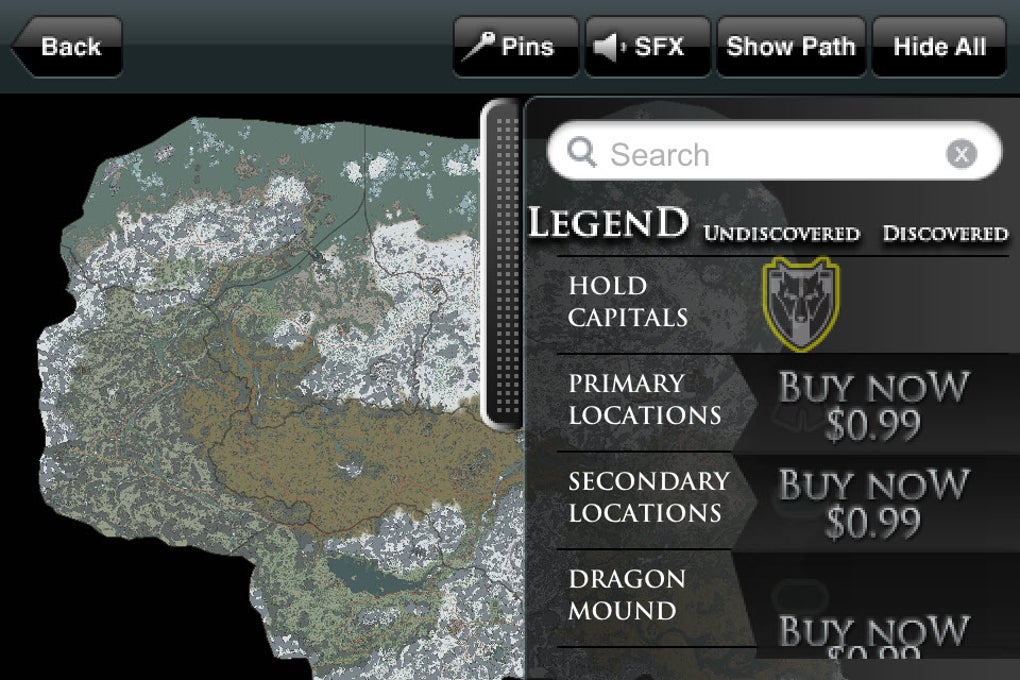
- Interactive World Map – Provides a full-scale, zoomable map of Skyrim’s nine hold capitals, allowing users to visualize the game’s geography and plan travel routes efficiently.
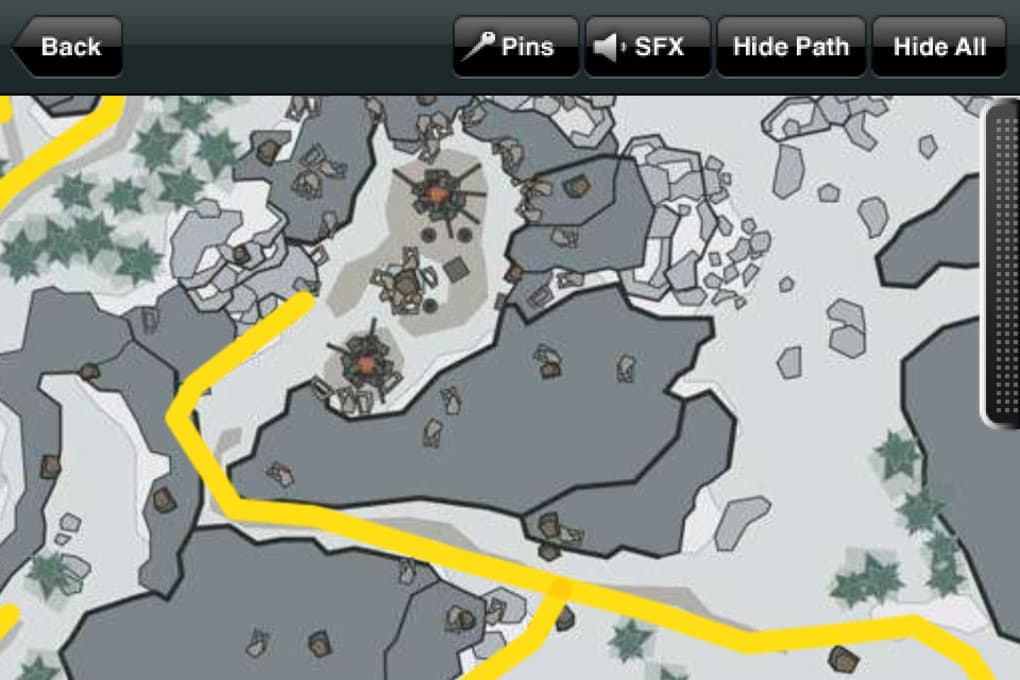
- Point of Interest Markers – Displays over 1,000 locations including dungeons, shrines, camps, and rare item spawns, with customizable pin placement for personal notes.
- Search Functionality – Enables quick lookup of specific locations, quests, or items, streamlining navigation during gameplay.
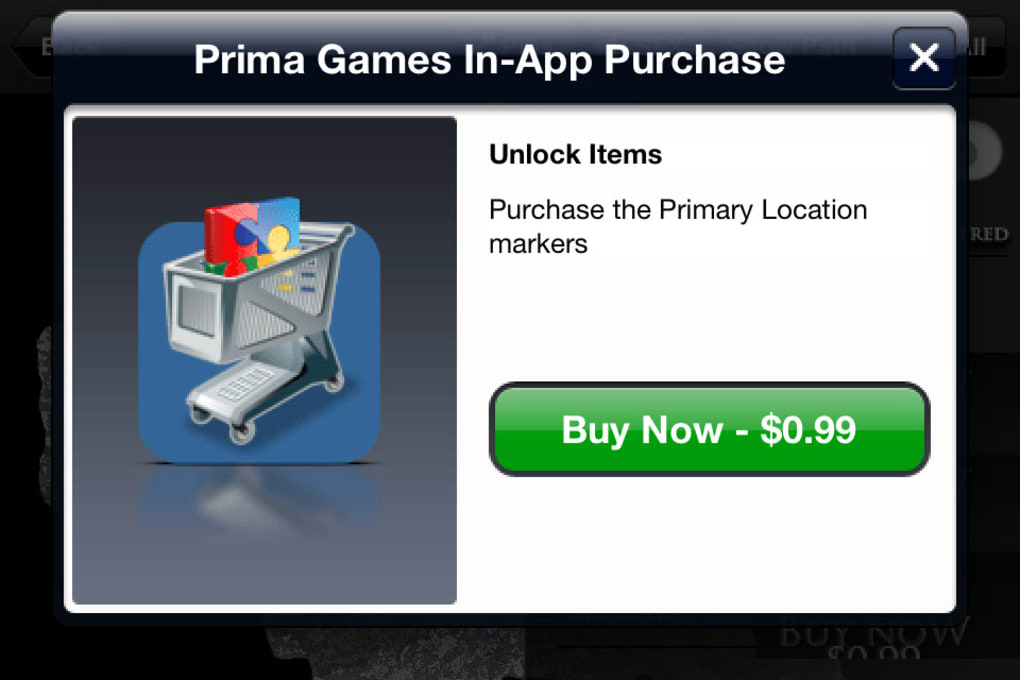
- In-App Purchases – Offers optional access to premium content such as interior maps, detailed building layouts, and expanded location data.
- Custom Pin System – Allows users to add personal markers for favorite spots, hidden treasures, or unmarked quests discovered during play.
These features support both casual and hardcore players. For example, a completionist can use the search tool to locate every hidden shrine, while a new player might rely on the map to avoid getting lost in the vast wilderness. The ability to add personal pins enhances the tool’s utility by enabling users to build their own annotated guide. While the base version is free, unlocking advanced features requires in-app purchases, which may affect the user experience for those seeking full functionality without cost.
User Interface, Workflow & Performance
The application features a clean, map-centric interface with intuitive navigation. Users can pan, zoom, and toggle layers to view different types of points of interest. The layout is designed for clarity, with labeled cities, terrain features, and a sidebar for filtering and searching. The workflow is straightforward: open the map, search for a location, and use the visual cues to plan a path. This design supports efficient use during gameplay, especially when paired with the game’s main screen.
Performance details were not specified by the developer. However, based on general software behavior, the application likely runs smoothly on modern systems. The developer did not provide information on CPU or RAM usage. Stability appears to be consistent with standard desktop applications, though users should ensure their system meets baseline requirements. No reports of crashes or lag were mentioned in the provided data. The software is expected to remain responsive during extended use, though performance may vary depending on hardware and background processes.
Compatibility & System Requirements
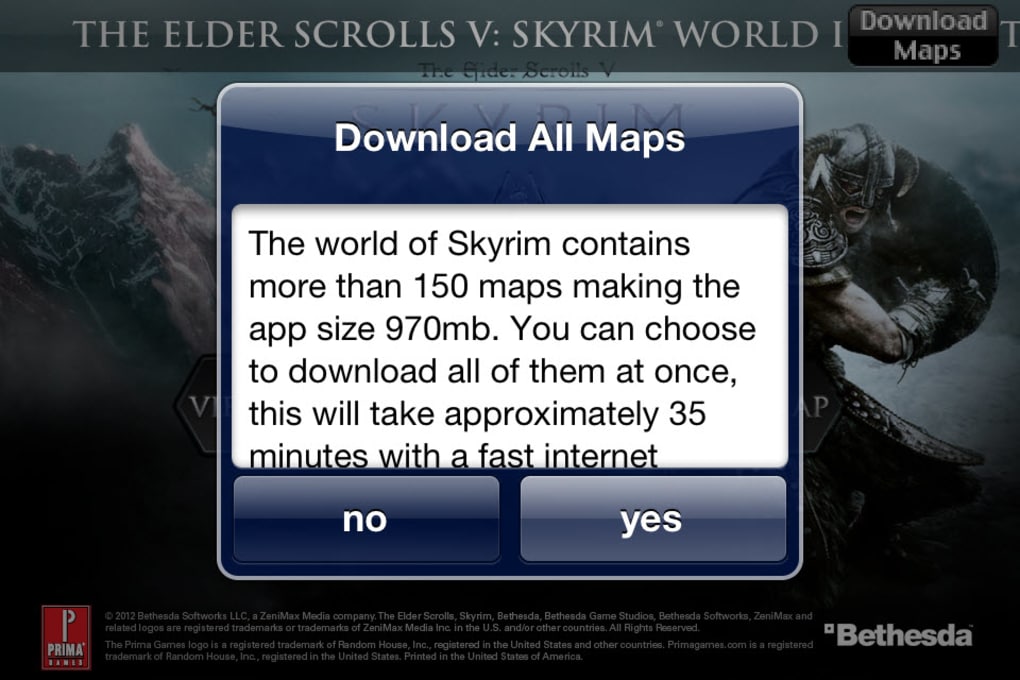
The software is available for both Windows and Mac operating systems. The current version is 1.10.154, with a file size of 1.5 GB. This indicates a substantial installation footprint, likely due to the inclusion of high-resolution map data and interactive assets. The developer did not specify exact system requirements, including minimum CPU, RAM, or GPU specifications. Compatibility information was partially provided, confirming support for Windows and Mac platforms. Users should ensure their system has sufficient storage space to accommodate the 1.5 GB installation. No additional hardware requirements were listed.
Pros and Cons
Pros
- Free to download with core map functionality available at no cost
- Interactive, high-resolution map covering all nine hold capitals
- Over 1,000 points of interest with search and filter options
- Custom pin system for personal notes and discoveries
- Supports both Windows and Mac platforms
Cons
- In-app purchases required to unlock full map features
- Limited transparency about system requirements
- Performance behavior under load not documented
- Base version may feel incomplete without premium content
- No official support for mobile or console platforms
FAQ Section
Is The Elder Scrolls V: Skyrim Official World Interactive Map free to use?
The base version of the software is free to download and use. However, it includes in-app purchases that unlock additional content such as interior maps and expanded location data.
What platforms does the software support?
The software is compatible with both Windows and Mac operating systems. No information was provided about support for mobile devices or gaming consoles.
Are there any in-app purchases?
Yes, the application includes in-app purchases that allow users to access premium features, including detailed interior maps and specific location markers.
Can I use the map offline?
The developer did not specify whether the software supports offline usage. It is recommended to verify connectivity requirements before relying on the tool during gameplay.
How often is the software updated?
The current version is 1.10.154, released on October 25, 2023. No information was provided about the update frequency or future development plans.
Final Thoughts + CTA
The Elder Scrolls V: Skyrim Official World Interactive Map is a valuable companion for fans of the game who seek to explore its vast world with precision and purpose. Its interactive map, extensive point-of-interest database, and customizable pin system make it a practical tool for both new players and completionists. While the free version offers solid functionality, the reliance on in-app purchases for full access may deter some users. Still, the core features are well-implemented and deliver real utility in navigating Skyrim’s expansive terrain.
For those invested in the game’s lore, side quests, and hidden secrets, this tool significantly enhances the experience. It is particularly effective for players who value organization and efficiency. The lack of detailed system requirements and performance data is a minor drawback, but does not diminish the software’s overall value.
Download The Elder Scrolls V Skyrim now and take control of your journey through Tamriel.
Guides & Tutorials for The Elder Scrolls V Skyrim
How to install The Elder Scrolls V Skyrim
- Click the Preview / Download button above.
- Once redirected, accept the terms and click Install.
- Wait for the The Elder Scrolls V Skyrim download to finish on your device.
How to use The Elder Scrolls V Skyrim
This software is primarily used for its core features described above. Open the app after installation to explore its capabilities.
User Reviews for The Elder Scrolls V Skyrim 0
No reviews found





